Alerts
Multi-channel notifications for failures and recoveriesEdit
Alerts notify you when monitors fail, tests break, or services recover. Configure multiple notification channels and use smart thresholds to avoid alert fatigue.
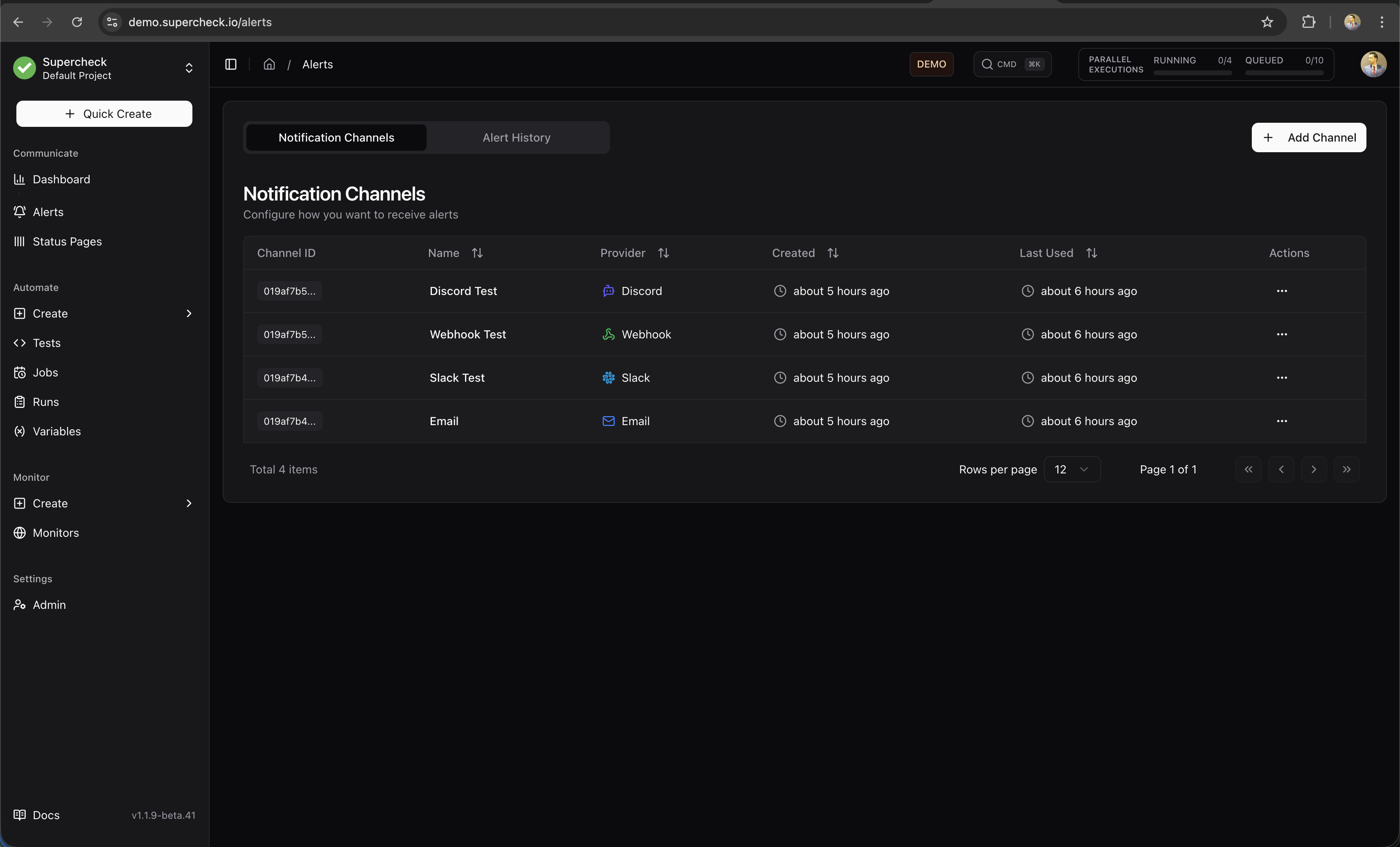
Configure a notification channel, send a test notification, then select that channel in a monitor or job's Alerts settings. Choose which failures and recoveries should notify your team, and review delivery history when a notification does not arrive.
Alert Workflow
Scroll horizontally to view the full diagram.
Notification Providers
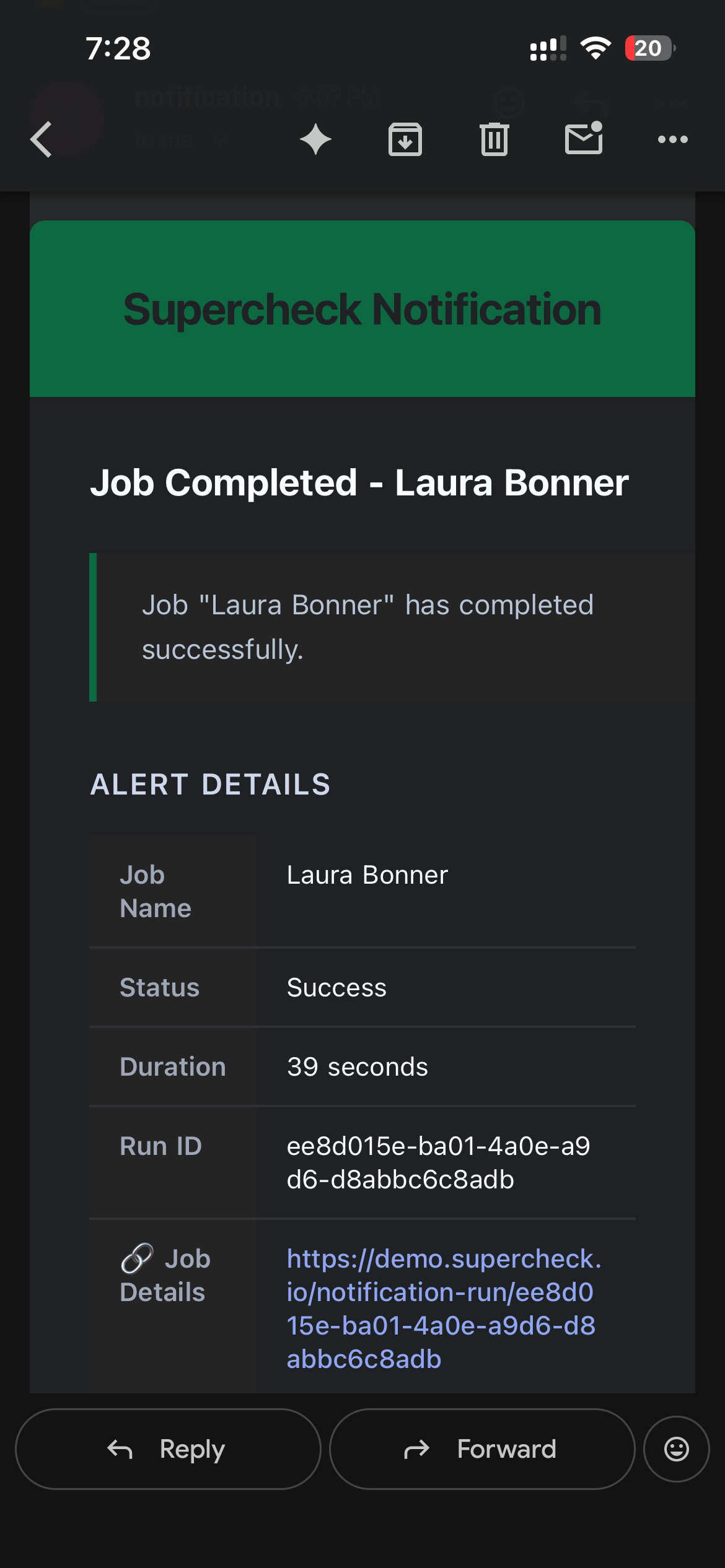
Email alerts through your configured SMTP provider.
Slack
Send alerts to the channel configured by your Slack webhook.
Webhook
JSON payloads to any HTTP endpoint for custom integrations
Telegram
Bot messages to chats or groups with Markdown formatting
Discord
Embedded messages to server channels with color-coded status
Teams
Adaptive Card notifications via Power Automate workflows
Setting Up Providers
- Go to Alerts → Channels
- Click Add Channel
- Select the provider type and enter credentials
- Click Test Connection to verify the connection
- Save the provider
After creating providers, attach them to monitors or jobs in their Alerts settings.
Alert Types
| Alert | Trigger | Severity |
|---|---|---|
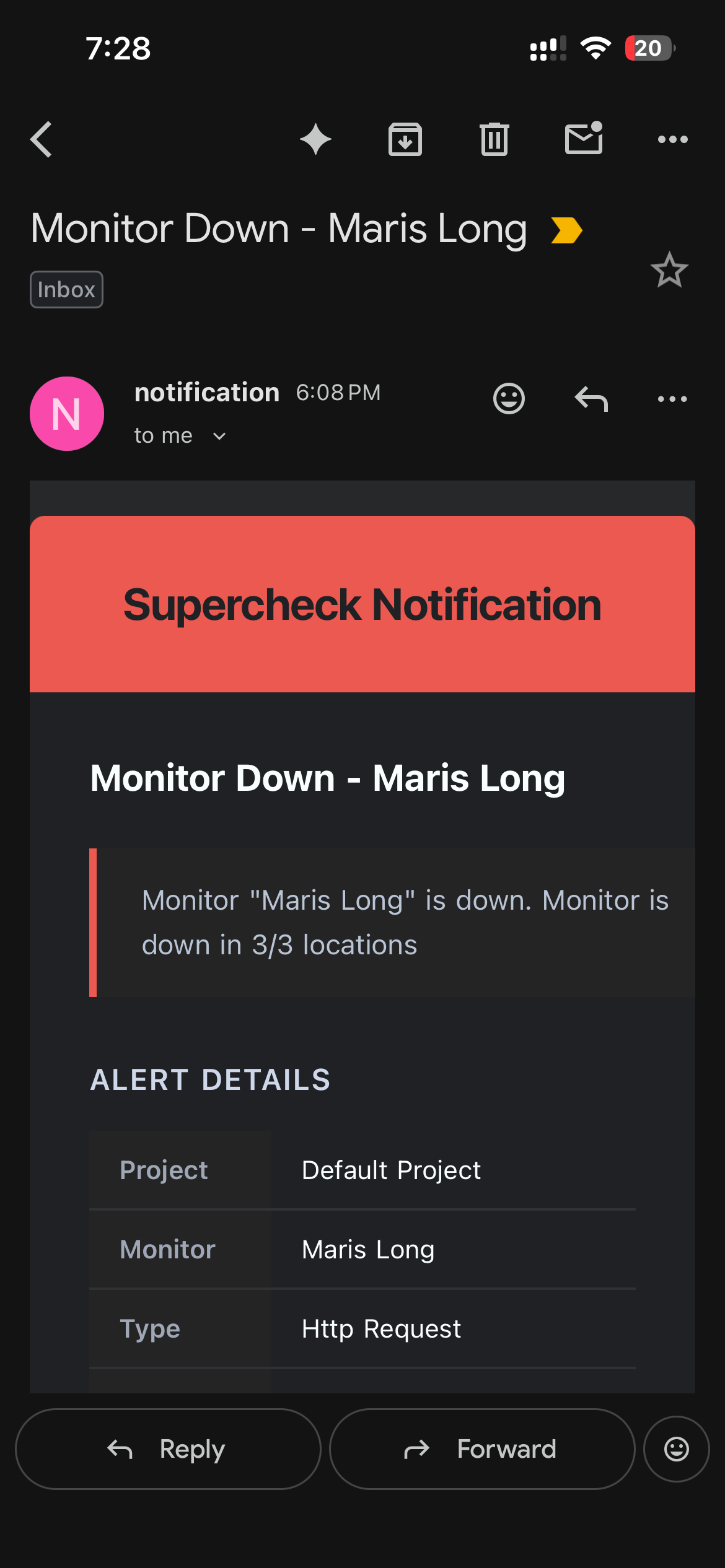
| Failure | Consecutive failures reach threshold | Error |
| Recovery | Consecutive successes reach threshold after being down | Success |
| SSL Expiring | Enabled website monitor's certificate expires within its configured warning window | Warning; at most once every 24 hours |
Threshold Configuration
Thresholds prevent alert noise from transient issues like network blips or brief service hiccups.
Failure Threshold
The number of consecutive failures required before sending the first failure alert. This prevents alerts from single network blips.
Recovery Threshold
The number of consecutive healthy checks required before sending a recovery alert after the monitor was down. The threshold is 1–5; an initially healthy monitor does not send a recovery alert.
SSL expiration warnings are evaluated independently of the monitor's up/down result. Enable SSL Expiration Alerts on a website monitor and set its warning window; a warning is sent at most once every 24 hours while the certificate remains within that window.
Alert Limiting
To prevent notification spam during extended outages:
- Maximum 3 alerts per failure or recovery sequence
- First alert sent when threshold is reached
- Recovery counting starts only after an actual down period; each healthy check after downtime advances the configured threshold
- Up to 3 alerts can be sent per failure or recovery sequence, spaced by the configured reminder intervals
Provider Configuration
Select Email and enter recipients in the notification channel.
Alert Signals
Use Alerts → Signals for investigation-ready failure signals. Signals are derived from sent failure alerts only. Notification delivery failures, recoveries, and success notifications remain in History so they do not create false incident noise.
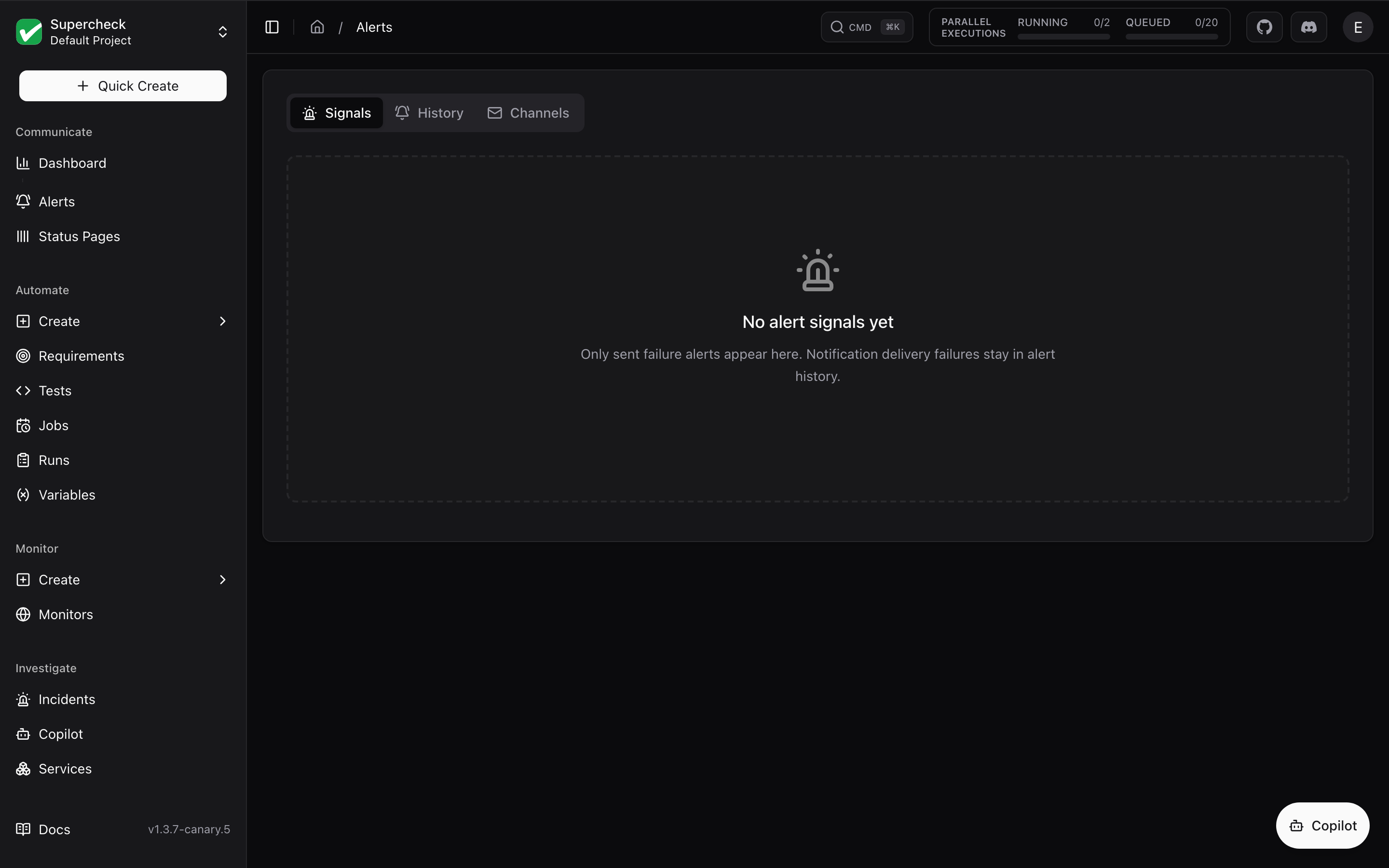
Repeated sent failures for the same target and alert type appear as one signal, with the latest message and timestamp and a repeat count. All individual deliveries remain in History. A failure signal is historical evidence, not proof that the target is still failing.
From Signals, responders can:
- Search by target, message, type, source, or fingerprint.
- Filter by severity or source.
- Sort by signal, severity, source, or last seen time.
- Select Investigate to open a new or existing SRE incident. This does not start a full AI investigation. Administrators may separately enable automatic triage.
- Page through larger signal sets with the same pagination pattern used by other Supercheck tables.
Alert History
Track all alerts from Alerts → History:
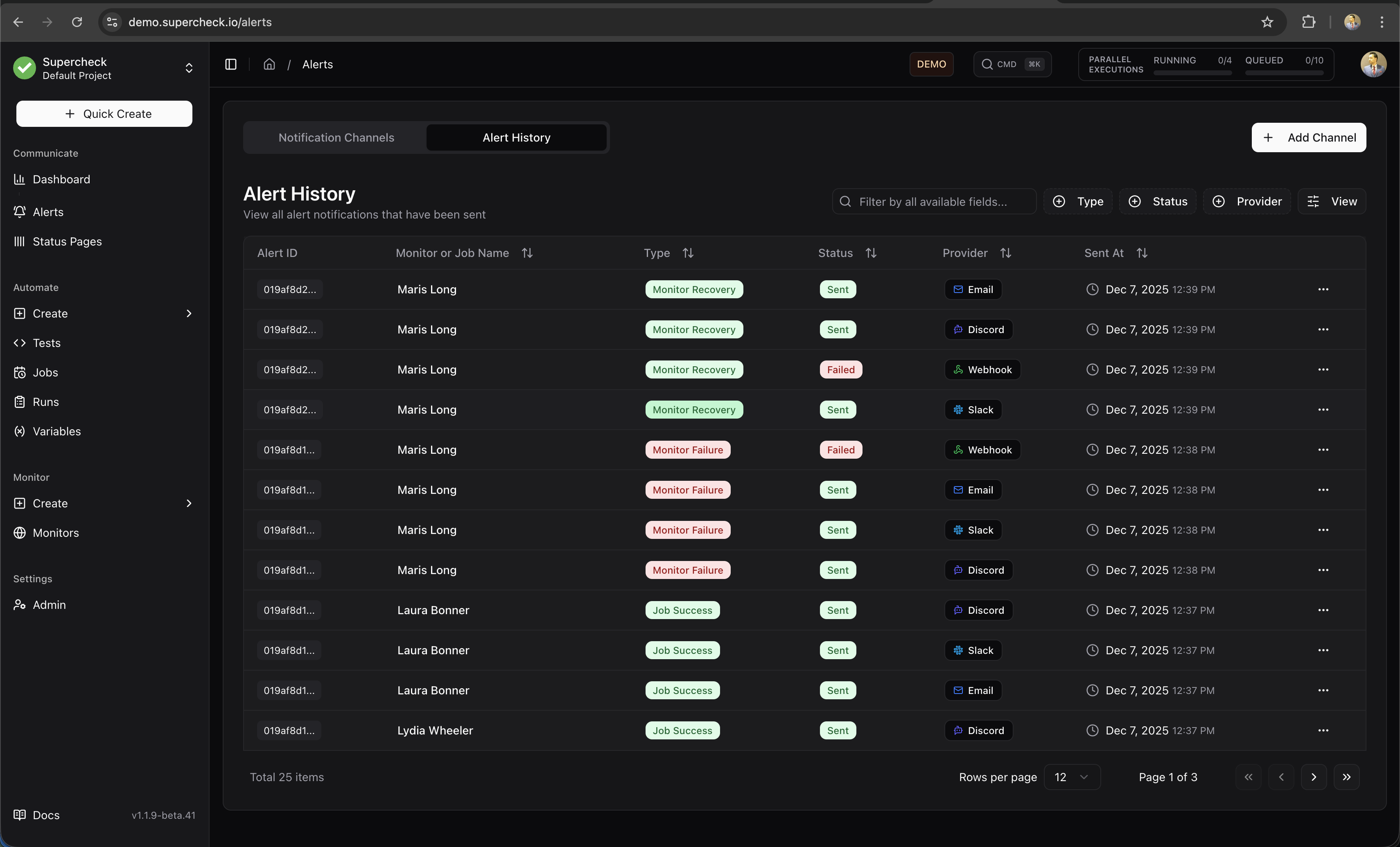
- Alert type and severity
- Target (monitor or job name)
- Notification channels used
- Delivery status
- Timestamp
- Delivery correlation metadata for AI SRE, including provider type/preset, dedup key, event action, response status, attempt count, and response hash when available
Use delivery status and HTTP diagnostics to troubleshoot failed notifications. Raw provider response bodies and credential values are not displayed.
Alert Samples