
Copilot Chat
Ask operational questions using incident evidence and connected sourcesEdit
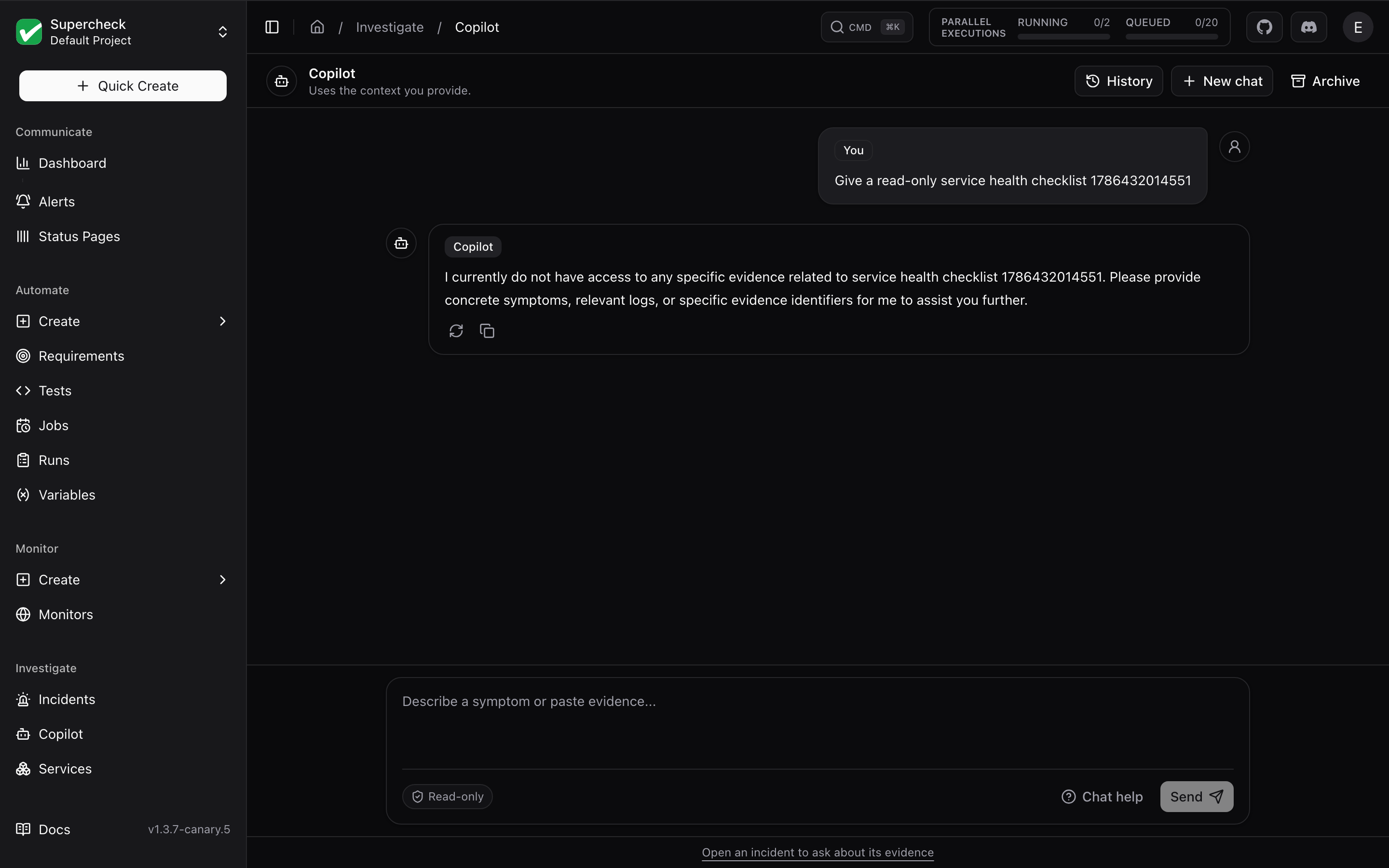
Open Investigate → Copilot to ask about your services, errors, or logs. From an incident, select Open Copilot to bring its saved evidence into the same chat screen.
Copilot is read-only: it can gather evidence and suggest checks, but cannot change your systems or apply a fix.
Live Sources
Live sources is on by default for Project Admins and organization admins or owners. Copilot can query configured connectors when it needs fresh data.
- General chat — Name the service you want to check. Copilot finds available sources in your current project and asks if the service is unclear.
- Incident chat — Uses the incident's saved evidence and connectors for its linked service. New chat keeps this incident context.
Turn Live sources off to use conversation text and available saved evidence only. Project Editors can use Copilot without live queries; Viewers cannot use Copilot.
If live data is unavailable, check the service and connector configuration in Services. A failed or incomplete query is an evidence gap, not a verified result.
Conversations
- New chat starts a fresh thread. To leave an incident context, open Investigate → Copilot.
- History searches and restores your saved general and incident chats.
- Archive removes a chat from active history.
- Chat help offers suggested questions and explains available sources.
History is private to you within your current organization and project. Let a response finish to save it; stopped answers are not saved. Follow-ups use the conversation text. General-chat connector results are temporary and are not added to the incident evidence graph; incident-chat results are saved on the incident.
Asking Useful Questions
Ask one focused question, then review citations and any evidence gaps before acting. For example:
- “Is checkout-api healthy? Check recent errors and latency.”
- “Which evidence supports the leading hypothesis?”
- “What should I check next to confirm this?”
Keep messages under 4,000 characters. Paste relevant text for analysis; Copilot does not inspect uploaded images or videos. Keep credentials in connector settings rather than chat.
For a complete investigation with a saved report, use Incident Investigation. The Investigation Map helps explore relationships between incidents, evidence, and services.