
Performance Test
k6 load testing with configurable virtual users and thresholdsEdit
Run k6 performance tests to validate your application under load.
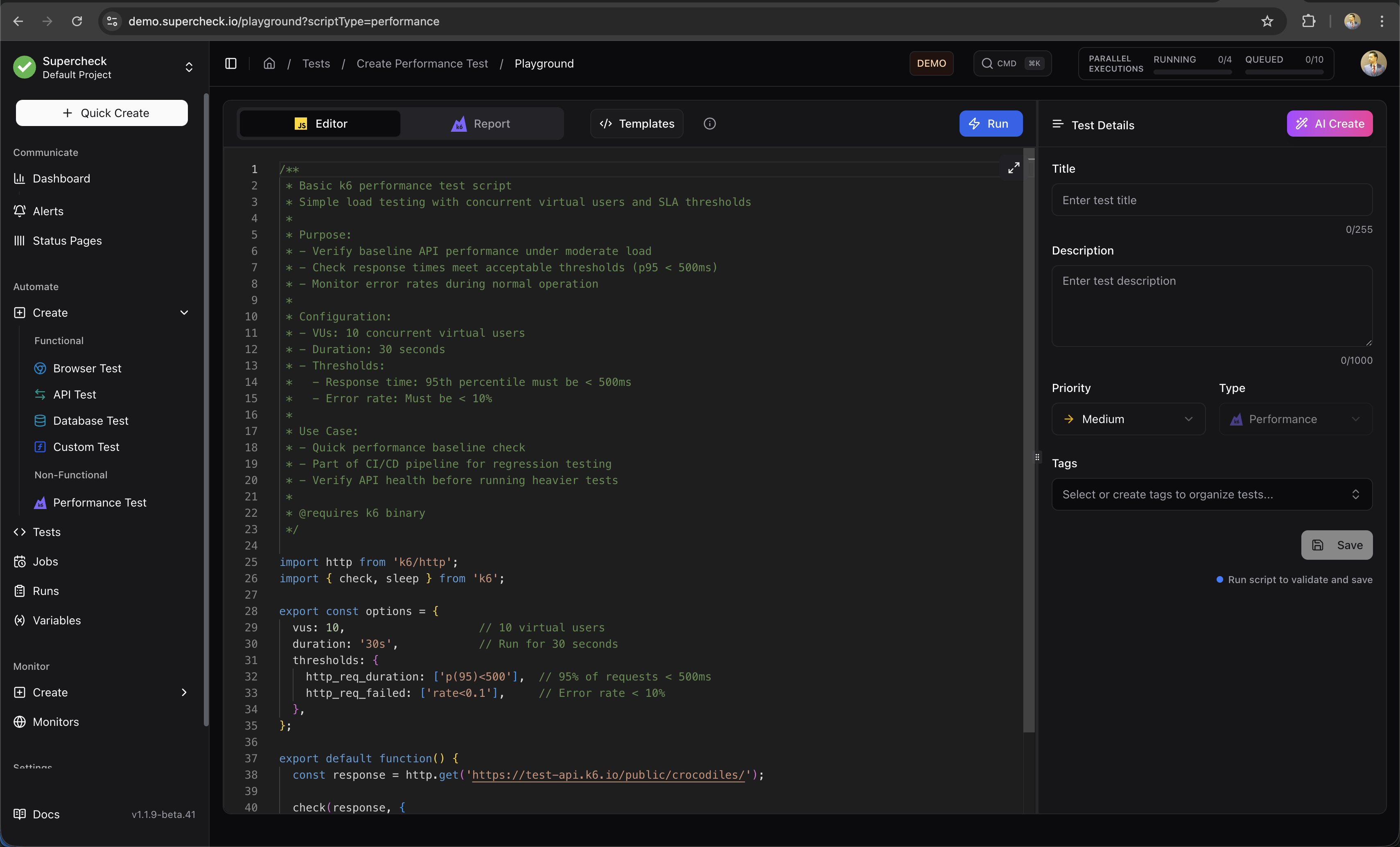
Create Test
- Go to Create → Performance Test
- Write k6 script in the editor
- Configure load profile (VUs, duration)
- Run and analyze results
Example Script
Start with a smoke test against a system you own or have permission to test. Increase load gradually and monitor server capacity. Each run uses the load profile in your script. Running several tests at once increases the total load.
Set an API_URL project variable to your test environment and replace /health with the endpoint you want to exercise.
import http from 'k6/http';
import { check, sleep } from 'k6';

export const options = {
  stages: [
    { duration: '2m', target: 10 },   // Ramp-up to 10 VUs
    { duration: '5m', target: 50 },   // Increase to 50 VUs
    { duration: '3m', target: 80 },   // Peak load at 80 VUs
    { duration: '2m', target: 0 },    // Ramp-down
  ],
  thresholds: {
    http_req_failed: ['rate<0.02'],              // Error rate < 2%
    http_req_duration: ['p(95)<600', 'p(99)<1200'], // Latency thresholds
    checks: ['rate>0.95'],                       // 95% of checks pass
  },
};

export default function () {
  const baseUrl = getVariable('API_URL');
  const response = http.get(`${baseUrl}/health`);

  check(response, {
    'status is 200': (res) => res.status === 200,
    'request under 600 ms': (res) => res.timings.duration < 600,
  });
  sleep(1);
}Streaming Logs
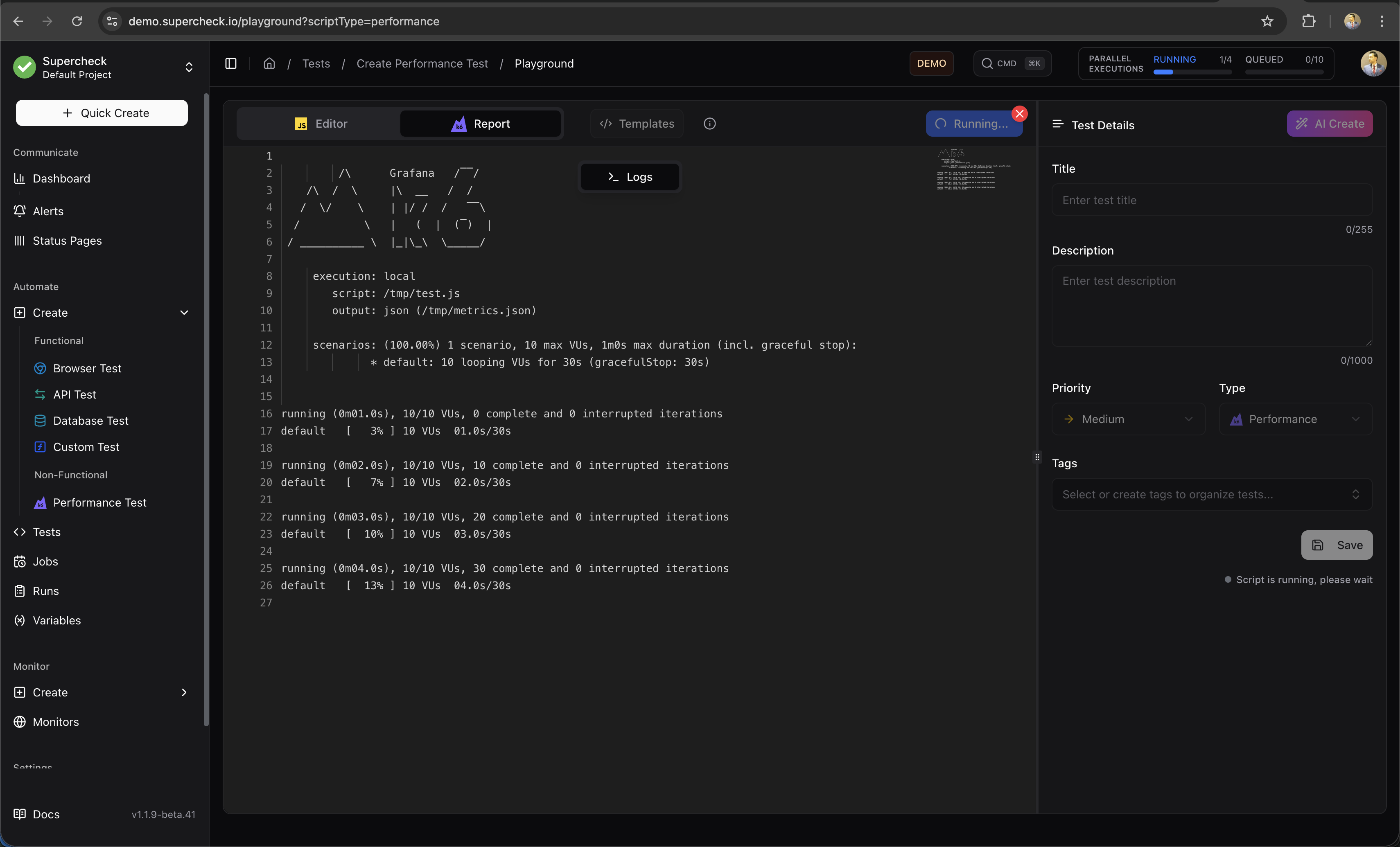
Watch real-time execution logs as the test runs.
Results & Logs
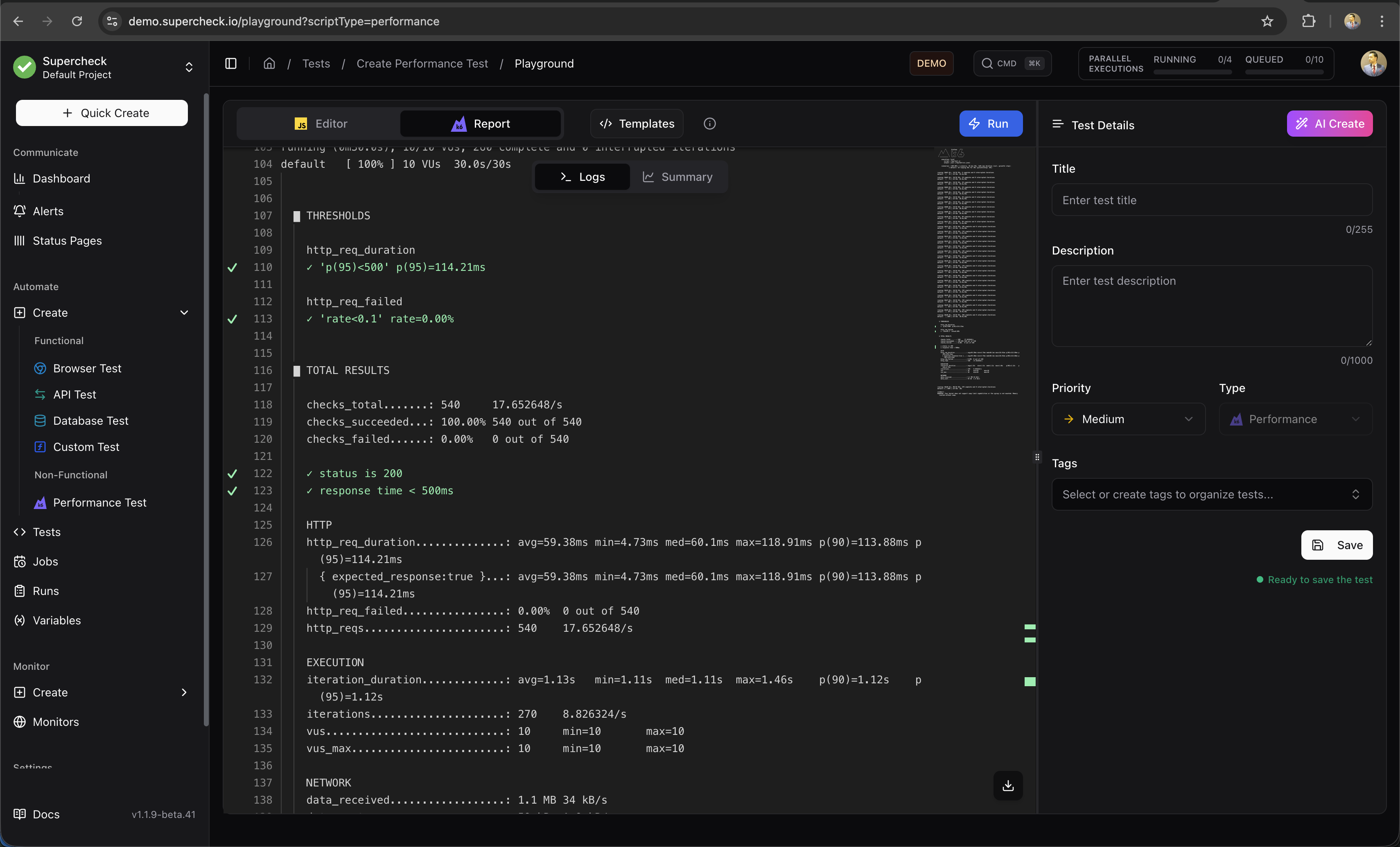
View detailed logs after test completion.
Reports
Analyze performance metrics after the test completes.
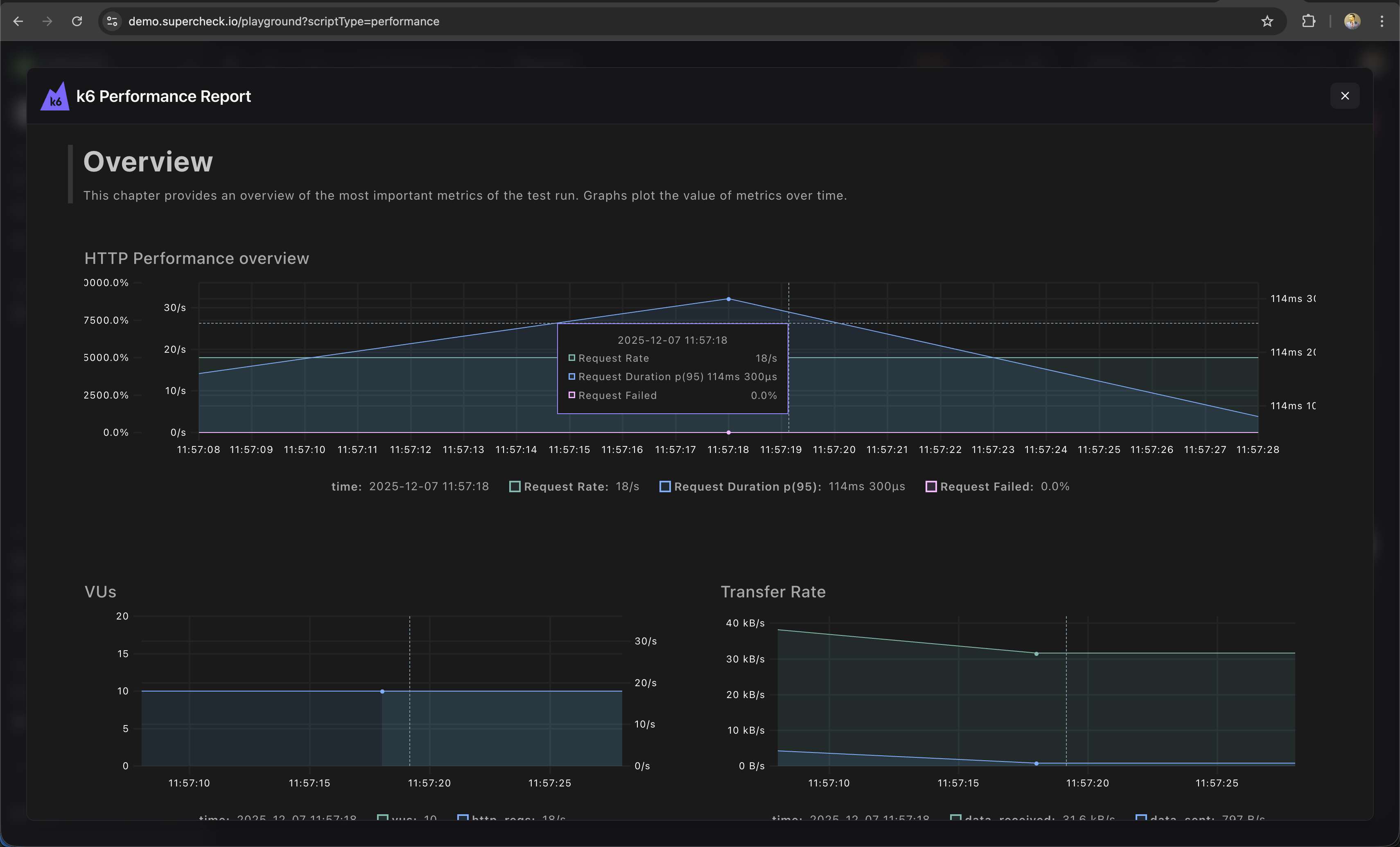
Metrics include:
- Request rate — Requests per second
- Response time — p50, p95, p99 latencies
- Error rate — Failed requests percentage
- Throughput — Data transferred
Load Profiles
| Profile | Use Case |
|---|---|
| Smoke | 1-2 VUs, 1 min — Verify script works |
| Load | 10-50 VUs, 5-10 min — Normal load |
| Stress | 100+ VUs, 10-30 min — Find breaking point |
| Spike | Sudden ramp, 5 min — Handle traffic bursts |
Thresholds
Set pass/fail criteria:
export const options = {
  thresholds: {
    http_req_duration: ['p(95)<500'], // 95% under 500ms
    http_req_failed: ['rate<0.01'],  // Less than 1% errors
  },
};Using Variables
import http from 'k6/http';
import { check } from 'k6';
import { SharedArray } from 'k6/data';

// Attach a USERS_CSV file variable with one username per row and a header.
const users = new SharedArray('users', () =>
  open(getFile('USERS_CSV'))
    .split('\n')
    .slice(1)
    .map((line) => line.trim())
    .filter(Boolean)
);

if (users.length === 0) throw new Error('USERS_CSV must contain at least one user');

export default function () {
  const baseUrl = getVariable('API_URL');
  const apiKey = getSecret('API_KEY');

  const username = users[__VU % users.length];
  const response = http.get(`${baseUrl}/protected?user=${encodeURIComponent(username)}`, {
    headers: { Authorization: `Bearer ${apiKey}` }
  });

  check(response, { 'status is 200': (r) => r.status === 200 });
}
Learn More
- k6 Documentation — Complete k6 guide
- k6 HTTP Requests — Making HTTP calls
- k6 Thresholds — Pass/fail criteria
- k6 Checks — Response validation