
Synthetic monitoring
Run your Playwright tests against production on a schedule
Write or record a Playwright test, attach it to a synthetic monitor and let Supercheck run it on an interval. When a journey such as login or checkout breaks, you get an alert and a report with the failing step.
Key capabilities
The same tests you run in CI
A synthetic monitor runs a saved Playwright test, so one script can be used in a job, from the CLI and as a production check.
Reports for failed checks
A failed synthetic check links to a report with the error, expected and received values, a step timeline and a trace viewer with video, screenshots and network logs.
Author in the browser or record a flow
Write tests in the Playground, or record a flow with the Supercheck Recorder extension for Chrome and Edge and save it as a Playwright test.
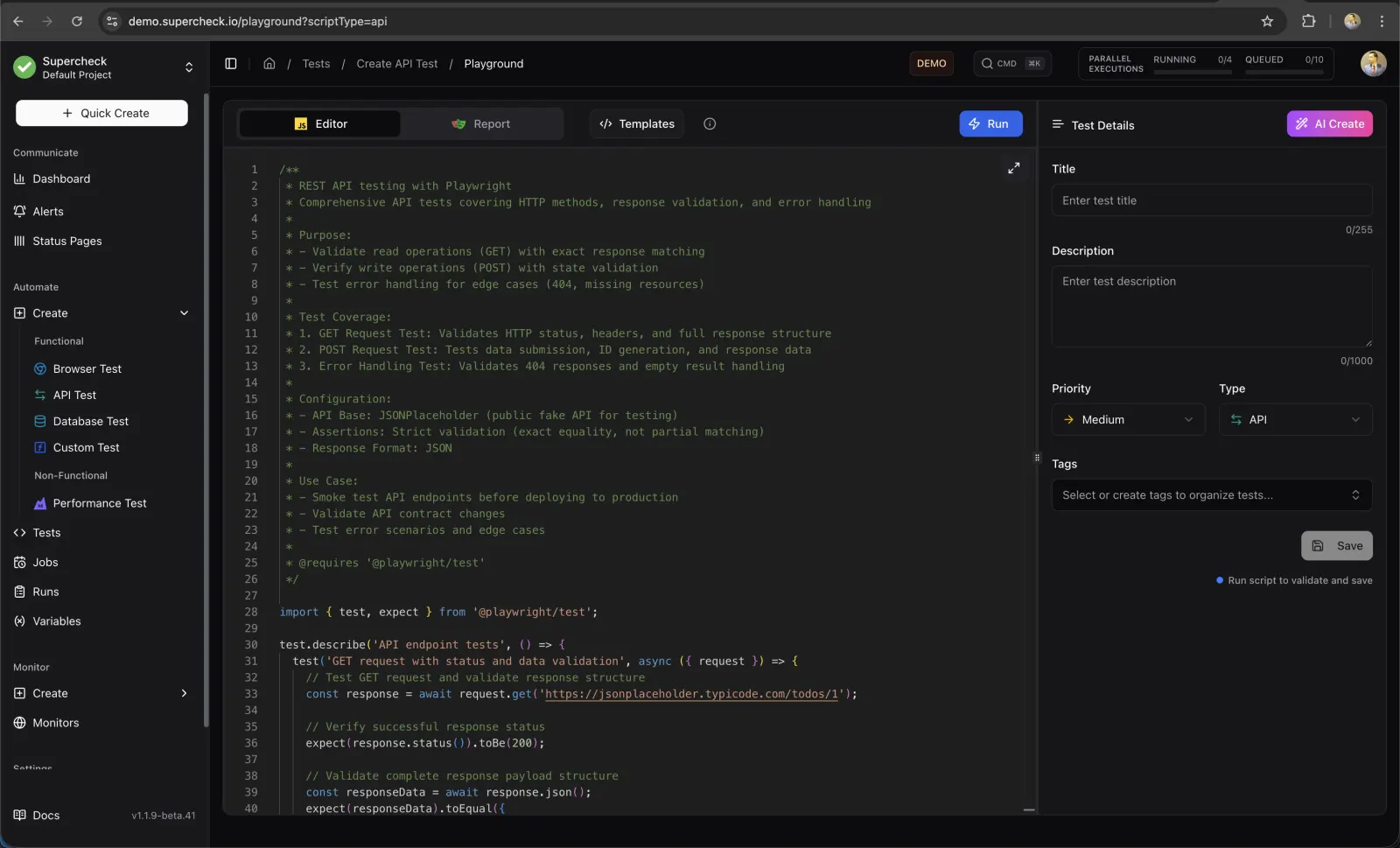
Create the test
Open the Playground, write or record a Playwright test, run it and save it to your project.
- Run the test in the Playground before you save it
- Recorder extension for Chrome and Edge
- AI Create and AI Fix suggest changes that you review before applying
Attach it to a synthetic monitor
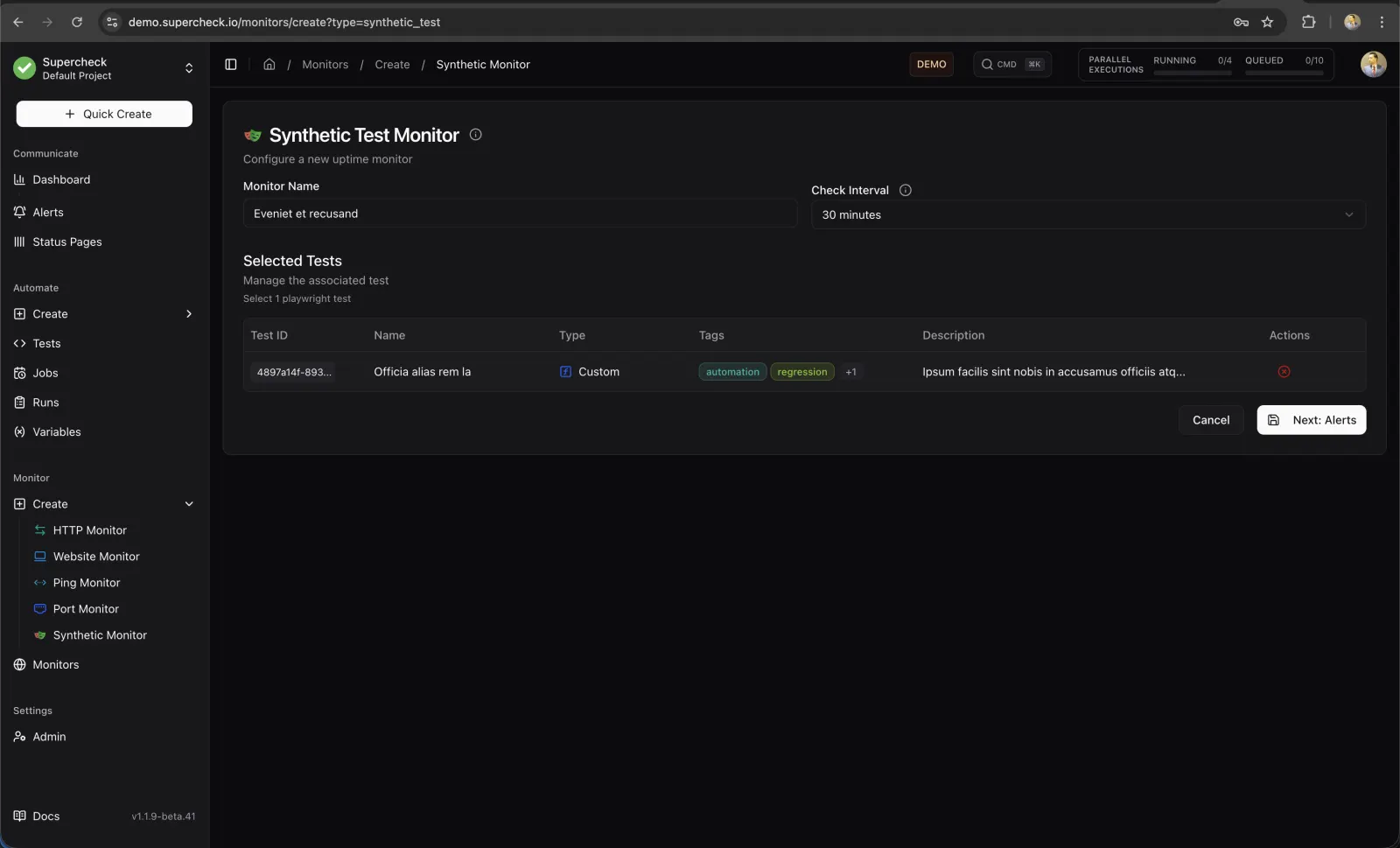
Create a synthetic monitor, select the saved test and choose an interval. The minimum is five minutes. Set the interval longer than the test takes so runs do not overlap.
- Choose notification channels and failure and recovery thresholds
- Pause the monitor during planned maintenance
Open the report when it fails
From the monitor's recent results, open the report for a failed check to see which step failed and why.
Monitor reports- Test summary with browser and duration
- Assertion errors with a stack trace
- Trace viewer with video, screenshots and network logs
- Copy Prompt copies the error details for AI-assisted debugging
Frequently asked questions
- How often can a synthetic monitor run?
- The minimum interval is five minutes. Set it longer than your test takes, for example five minutes or more for a two-minute test.
- Can I check from several regions?
- Not on Supercheck Cloud at launch: it is waitlist-only and runs browser, Playwright and k6 execution in Europe. On a self-hosted install, checks run from wherever you run workers.
- Does it work with tests I already have?
- Monitors run Playwright tests saved in your Supercheck project. The CLI can pull a project into a config file and test scripts in your repository, and deploy changes back.
- What happens when a check fails?
- The result is recorded, alerts follow your thresholds, and a report is generated with the error, steps and trace.
Watch a user journey run on a schedule
Explore the live demo to see synthetic monitors and reports with sample data.